

Let’s Get Started
As busy parents, we understand how valuable your time is — that’s why we have made the intake process as easy as possible. We offer a variety of ways to get in contact with us to start the intake process. Additionally, with our Fusion by Ensora Health patient portal, you can complete everything online at your convenience, allowing our team to focus on what matters most — getting your child the care they need as soon as possible!
To learn more about the process, accepted insurance plans, and the patient portal, check out the information below!

Step 1: Contact Us
Getting started is easy. The fastest way to reach us is by text at 984-300-4002, or you can submit a contact form online and our team will be in touch soon. We will ask for your contact information, the concerns you are having about your child, and your insurance details so we can best guide you through the next steps.

Step 2: Verify Benefits
We will verify your insurance benefits and eligibility as a courtesy to your family. Once complete, you will receive a Benefit Summary Sheet via email from our Practice Manager, Lucille, so please be on the lookout for it. We also encourage families to contact their insurance company directly to verify coverage and confirm benefit details.
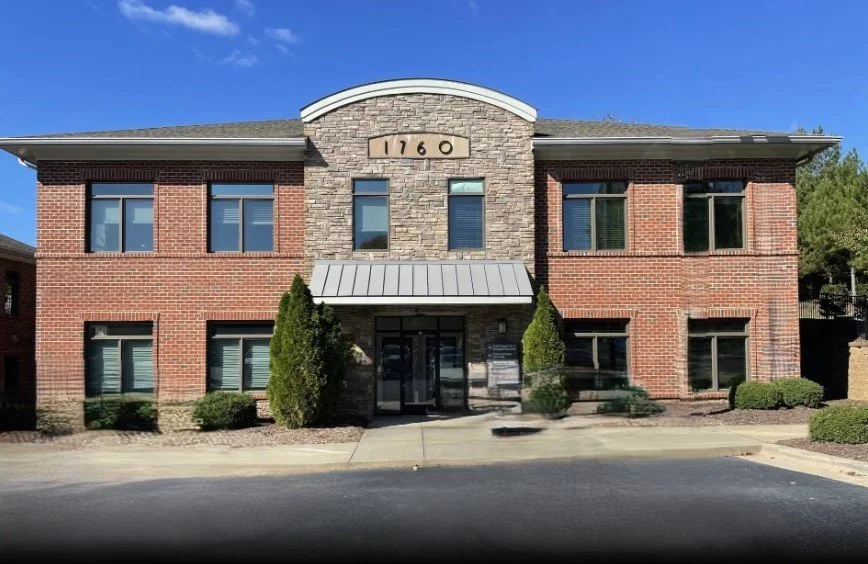
Step 3: Schedule an Evaluation
Once you have reviewed your Benefit Summary Sheet, you may schedule your child’s evaluation. Our Practice Manager, Lucille, will reach out via email or text to offer available appointment times. Evaluations typically last an hour, and at the end of your appointment, your therapist will discuss recommendations.

Insurance and Billing
Caring Connections Pediatric Therapy accepts many insurance plans and is happy to offer private pay and other payment options for families without insurance or who are out of network.
-
We are currently in-network with the following insurance providers:
Aetna
Blue Cross and Blue Shield
Cigna
United
UMR
-
We are currently in-network with the following managed care and tailored health plans:
Alliance Health
Carolina Complete Health
Healthy Blue
United Community Health
Vaya Health
Well Care
-
If you do not have insurance or we are not in-network with your current insurance plan, we are pleased to offer private pay options for services. We set our fees in accordance with reasonable and customary rates for our region, based on ongoing market research. Rates are subject to change, and families will be notified in advance of any adjustments. We are committed to transparency and will always communicate clearly about any updates to our fee structure.
For families who prefer added flexibility and savings, we also provide package options. These packages allow you to purchase sessions in bulk at a discounted rate—making ongoing support more accessible and affordable. Contact us at admin@ccptnc.com to learn more about our current rates and available packages.
-
If Caring Connections is out-of-network with your insurance plan, we are happy to provide superbills for families who wish to seek reimbursement through their out-of-network benefits (if applicable). A superbill is a detailed receipt that includes all the necessary information your insurance company may require for processing claims.
Please note that families are ultimately responsible for all session fees at the time of service. As the out-of-network provider, our practice would not communicate directly with your insurance company or handle any claims on your behalf. We recommend contacting your insurance provider in advance to understand your out-of-network coverage and reimbursement procedures.
-
Caring Connections is an approved provider with the North Carolina Education Assistance Authority (NCSEAA). North Carolina’s Education Student Accounts (ESA+) scholarship provides funds for North Carolina families that can be used to pay for education and other support services for children with disabilities.
To learn more, visit their site here.

Patient Portal
Using the Fusion by Ensora Health patient portals, families can:
fill out intake forms electronically
view monthly billing invoices and receipts
view documentation